


Cheap website or professional web design? The mistake that can make or break the future of your business

At the start of a website project, many managers look only at the number on the quote and simply pick the cheapest offer – without asking what exactly is hidden behind that price. This article breaks down the real difference between a cheap website and a professional one: from visual identity, speed and security to SEO, user experience, scalability and support. Step by step you’ll see how a “cheap site” quietly puts your brand, your leads and your data at risk and why you almost always end up paying for a redesign. By contrast, a professionally designed website gives you the leverage to take your market more seriously, show up right at your customer’s decision moment and turn your site into a long-term asset instead of a disposable expense.
admin
Published on November 19, 2025 · Updated December 13, 2025
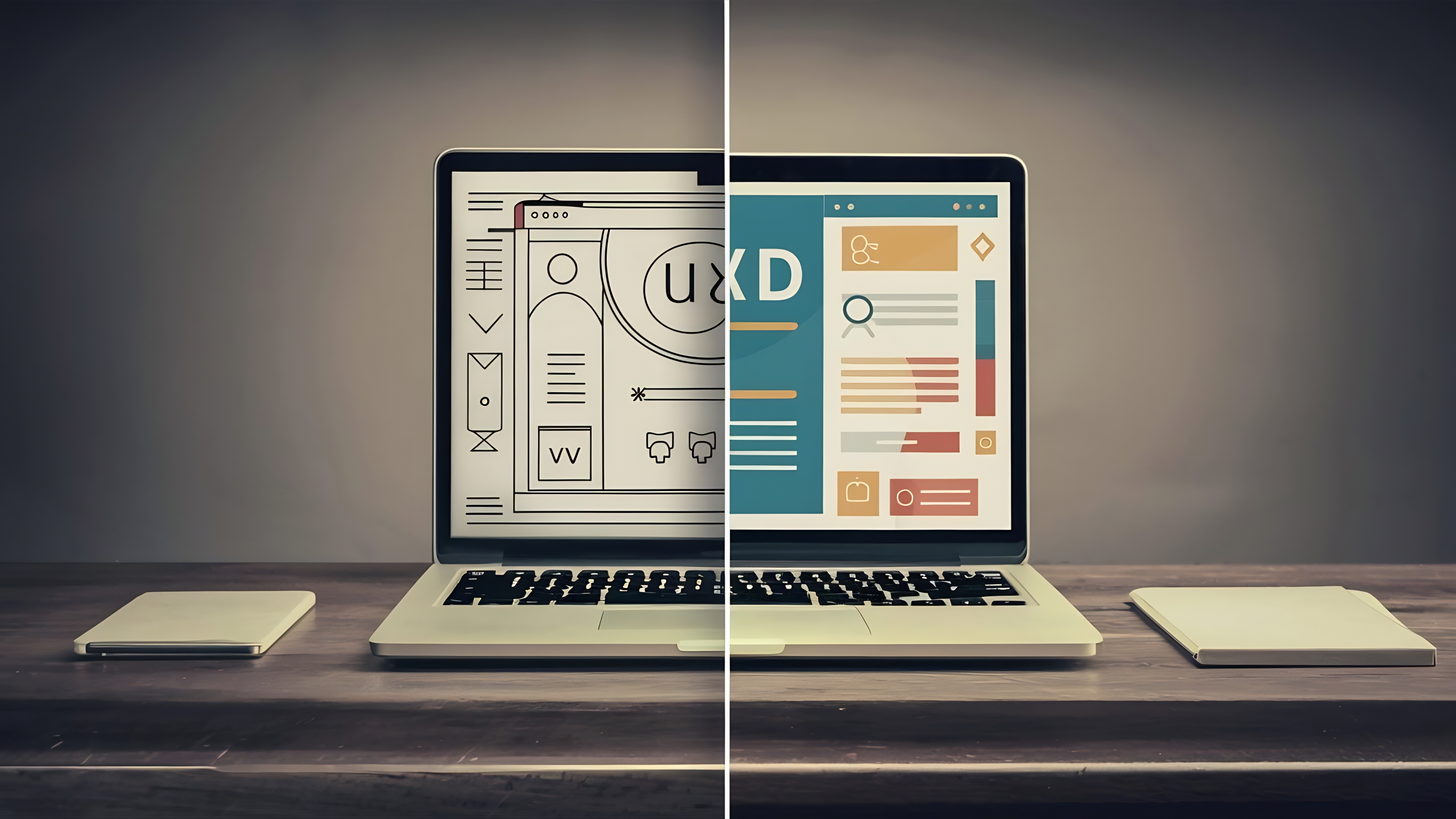
Introduction: When the "Cheap Website" Becomes Your Most Expensive Decision
If you've gathered several quotes for web design, you probably know the drill: one says "We'll get your site up for €500," another puts €5,000 on the table, and yet another agency talks about €10,000 or more.
At first glance, it seems like everyone's selling the same thing: "web design." But in reality, you're choosing between two completely different paths:
- Cheap website: Fast, seemingly low-cost, but full of hidden risks.
- Professional website: Higher investment, but with identity, structure, and security that works for you for years.
This article helps you see behind the curtain of both approaches and understand how today's decision shapes your business trajectory for the next 3–5 years.
If you don't yet have a clear picture of the costs and services that should be included in a web design proposal, I recommend reading this hub article later:
👉 The Real Cost of Website Design and Services You Should Expect from a Professional Agency
1. Visual Identity: Being Seen or Getting Lost Among Competitors?
In the real world, what do people do before contacting or working with you? They Google your brand name and visit your website. In those first few seconds, one of two things happens:
- They mentally place you alongside serious brands;
- Or they file you under "ordinary, unimportant businesses."
Cheap Design: Ready-Made Templates and a Generic Face
What typically happens with cheap websites?
- Use of repetitive ready-made templates;
- Design that doesn't match the brand personality and target market;
- Colors, images, and layouts that look "cheap."
The result? Instead of being remembered, your brand gets lost among dozens of similar websites. Even if your services are excellent, the website's appearance sends a different message: "This is a low-level operation."
Professional Design: An Identity That Sticks
In professional design:
- Design starts from your brand identity, not from a ready-made template.
- Typography, colors, white space, and images are all purposefully selected.
- The website conveys a sense of stability, seriousness, and trust from the very first page.
Here, design isn't just "pretty"; it's a psychological tool that indirectly tells visitors: "This company is a high-quality, trustworthy brand."
If you want to see exactly what features a modern, standard-compliant design has, be sure to read this complementary article:
👉 What Does Modern Web Design Really Mean?
2. Speed and Performance: Does the User Stay or Flee in Seconds?
Today's users have zero patience for slow websites. We all know this behavior: the page doesn't load, we go back to Google results and click on the next competitor.
Cheap Design: Beautiful on Screen, Slow in the Browser
In many cheap websites:
- Dozens of plugins are installed;
- Images are uploaded without optimization;
- The template isn't properly designed for mobile;
- Cheap, overcrowded hosting is used.
The result: The page loads slowly; on mobile, everything is cluttered and messy; the user hits the back button before even seeing the main content.
Professional Design: Speed as the Minimum Standard
In professional design:
- Code and structure are optimized and lightweight;
- Images are compressed and load correctly;
- Mobile experience is a priority;
- Hosting selection and technical structure are done from the start with speed and scalability in mind.
Here, speed isn't an "extra option"; it's the most basic requirement for playing in the online market.
If you want to understand why mobile and speed matter so much for user decisions and SEO, be sure to read this cluster article:
👉 Why Mobile-First Matters and How to Win Users on Every Device
3. Security: The Invisible Risk in Cheap Websites
Until your website gets hacked, security feels like a theoretical issue. But a small breach can:
- Take your contact forms offline;
- Put your customers' data at risk;
- Remove your site from Google results;
- And most importantly, destroy your reputation with clients.
Cheap Design: Nulled Plugins, Cracked Templates, Fingers Crossed!
In cheap projects, to cut costs, they often use:
- Nulled or unofficial plugins;
- Templates without support;
- Outdated CMS versions.
The website might look like a professional site on the surface, but underneath: there's no security strategy; updates either aren't done or aren't tested; the responsibility for risks is practically on you, not the designer.
Professional Design: Security as Part of the Architecture
In professional design:
- Official tools and valid licenses are used;
- Backup structure, updates, and monitoring are clearly defined;
- Security is considered not just at the plugin level, but at the architecture and process level.
Security isn't something that gets "added later"; either it's embedded in the website's DNA from the start, or it remains an active threat to you forever.
4. SEO: Having a Website or Being Found?
Having a website without being found on Google is like owning a fancy store in the middle of the desert.
Cheap Design: SEO = Installing a Plugin!
In cheap projects, SEO often means:
- Installing an SEO plugin;
- Writing a few superficial titles and meta descriptions;
- Without attention to information structure, page architecture, or user behavior.
Common mistakes you see in these websites:
- Irregular URL structure;
- Low speed;
- Important pages without proper header structure;
- No logical connection between pages (weak internal linking).
Professional Design: SEO at the Heart of Website Structure
In professional web design:
- Page structure is designed based on keywords and user journey;
- Main user paths are defined with clear CTAs;
- Speed, URL structure, headers, internal linking, and schema are considered from the start;
- Blog and educational content are designed as a long-term machine for attracting organic traffic.
To see exactly what content a professional corporate website needs, be sure to read this article:
👉 Essential Content Every Corporate Website Must Have
And if you want to know exactly which mistakes cause your website to remain like a "brochure" and not become a lead generation engine, check out this article:
👉 10 Common Corporate Website Mistakes and How to Turn Your Site into a Lead Generation Engine
5. User Experience (UX): Guidance or Confusion?
Web design isn't just about making the page look nice; the main question is: Does the user know what to do after 10 seconds on the website?
Cheap Design: Everything's There, But Nothing Guides
In cheap websites, we usually see:
- Vague CTAs ("Learn more" without a clear destination);
- Cluttered menus;
- Disconnected pages without a story or clear path;
- Long, exhausting forms.
The user arrives, scrolls a bit, doesn't know what the next step is, and simply leaves.
Professional Design: Every Element Is a Step in the Decision Journey
In professional UX design:
- Every page has a clear goal;
- CTAs are clear ("Request consultation," "Book a demo," "Get a quote," etc.);
- Colors, white spaces, buttons, and section arrangement are all designed with logic;
- The website makes the decision easy for the user instead of applying direct sales pressure.
In fact, professional UX ensures that even hesitant users take one step forward: filling out a form, registering an email, booking a meeting...
6. Scalability: Starting Point or Dead End?
Your business website in year one probably isn't what you'll need in year three. Services change, the market shifts, your strategy evolves.
Cheap Design: Every Small Change = New Project
With a cheap website:
- Adding a new language becomes an expensive ordeal;
- Adding a store, blog, or booking section disrupts the current structure;
- The infrastructure is such that after a while you hear: "That's how it was built, better to redesign from scratch."
This means you practically pay for web design twice: once for the cheap version, once for the serious one.
Professional Design: Infrastructure That Grows With You
In professional design:
- Growth phases are discussed from the start;
- Content structure and system are designed so new sections can be added without breaking the foundation;
- The website is an expandable starting point, not an "endpoint."
If you want to see exactly how many phases a website project is divided into and how long each phase takes, read these two cluster articles back to back:
👉 The Standard 4–12 Week Timeline for Web Design
👉 How Long Does It Really Take to Build a Website? (Realistic Timeline)
7. Support: Website Handoff and Goodbye, or Having a Real Technical Partner?
Many businesses have similar experiences: the website is delivered; two months later a problem arises; the designer doesn't respond, or demands unreasonable costs and time for every small change.
Cheap Design: "Website Delivery = End of Contract"
In this model:
- There's no clear plan for monitoring, improvement, and maintenance;
- If Google releases a new update or user behavior changes, the website stays the same;
- You're left with a website that gets a little older and more inefficient every day.
Professional Design: Long-term Collaboration and Continuous Improvement
In professional design:
- Support, maintenance, and periodic improvements are discussed from the start;
- User behavior is monitored with tools like Analytics;
- Based on data, important pages are optimized (UX, copy, CTA, structure).
This is where the website transforms from a one-time project into a permanent channel for growth and optimization.
8. The Real Cost: Why "Cheap" Almost Always Ends Up More Expensive
You won't find any serious business that has managed to achieve the following with a cheap, sloppy website:
- Build a powerful brand;
- Have sustainable growth in leads and customers;
- Achieve a high position in a competitive market.
But you often see businesses that:
- First built a cheap website;
- After 1–2 years were forced to rebuild everything from scratch;
- In the meantime, lost many opportunities for customer acquisition, contracts, and brand growth.
In contrast, a professional website:
- Reduces security and technical risks;
- Lowers customer acquisition costs with proper SEO and UX;
- Increases your brand value;
- And most importantly, directly impacts sales.
This difference isn't a "fancy and luxurious" difference; it's a difference in "business trajectory."
9. Conclusion: You're Not Deciding About a Website, You're Deciding About Your Future
If you just want to "have a website" to put the address on your business card, the cheapest option might seem reasonable.
But if you:
- Want to be taken seriously in the market;
- Want your website to be a lead and customer generation machine;
- Want to build on a solid infrastructure for years;
Then the choice between cheap and professional design is a choice between two different futures.
Cheap design means: Pay less today, lose more tomorrow.
Professional design means: Invest reasonably today, have a lever tomorrow that brings you trust, leads, and contracts.
If you want to understand what level of investment and what type of website makes sense for your business, the next step is simple.
10. An Informed Decision, Before Any Contract
At Olymaris, we don't see a website as just "graphic design"; for every project, we look from three angles: growth, brand power, and SEO/data.
If you want to:
- Have your current website reviewed for structure, SEO, and UX;
- Or get a realistic time and cost estimate for your new website;
You can:
👉 Request a consultation through the services page: https://www.olymaris.com/services
Or
👉 Send a message directly through the contact form: https://www.olymaris.com/contact
In a short meeting, we can:
- Review the current state of your website or idea;
- Identify the risks of cheap design for your situation;
- And outline a professional, defensible path for your brand's online growth.
The final decision is always yours; but it should be a decision that shapes your future, not just a website.
11. Frequently Asked Questions About the Difference Between Cheap and Professional Website Design (FAQ)
Question 1: If my budget is really limited, does that mean I have to go with the cheap option?
Not necessarily. The right approach is, instead of buying a "complete but weak" website, to build a minimal but professional version (MVP):
- Focus on the most important pages (homepage, main services, contact);
- Get the design and structure right;
- Plan for later phases (blog, store, additional features).
This approach is much better than building a large but cheap website and then having to redesign.
To see how project phasing can rationalize time and cost, read these two cluster articles:
👉 Standard Timeline for Website Development
👉 How Long Does It Really Take to Build a Website?
Question 2: How do I know if a web design proposal is really professional or just "expensive"?
Some clear signs:
- The work process from Discovery, strategy, UX, development, and testing is explained;
- Services are precisely listed (not just "web design" in general);
- Content, SEO, speed, and support are discussed;
- Post-delivery conditions (warranty and maintenance) are clear;
- Work samples and results are shown (not just pretty screenshots).
If everything is vague but the price is high, you're probably just paying for appearance, not results.
Question 3: I can build a website myself with website builders; do I still need a professional team?
If you:
- Have enough time;
- Your business is still in a very early stage;
- And the risk of losing some leads isn't very important to you;
Building an initial version with a website builder can be a good option.
But from a certain point, when:
- The number of leads and contracts depends on the website;
- You want to rank higher on Google;
- You want your brand to be seen more seriously;
Then you need a professional infrastructure. Otherwise, competitors who have made this investment will take the field from you.
Question 4: What impact does professional web design have on SEO and leads that cheap design doesn't?
Professional design:
- Arranges website structure and content based on user journey and keywords;
- Optimizes speed, mobile-friendliness, and page architecture for SEO;
- With proper UX, ensures visitors convert to leads (filling out forms, calling, booking...).
A cheap website usually only registers your "existence" on the internet; while a professional website actively works for you.
To see common mistakes and turn your website into a lead generation engine, read this article:
👉 10 Common Corporate Website Mistakes
Question 5: What should I definitely clarify before deciding who to work with?
Before any meeting or proposal request:
- Write down the main goal of the website (trust, leads, sales, booking...);
- Define your target market and ideal customer types;
- Collect 3–4 example websites you like;
- Clarify your approximate budget and time constraints;
- And think about what features might be added in 1–2 years.
The clearer your mental picture, the lower the risk of wrong choice and the higher the quality of collaboration.
Comments
0 published comments
No approved comments have been published yet.
Recommended Articles
Fresh insights from our blog

AI Automation for Small Businesses: What Is Actually Worth It?
Not every AI idea is worth the effort. This guide shows small businesses which workflows are worth automating first, how to judge readiness,...

CRM for Small Businesses: A Practical Guide to Starting Simple
A practical guide for owners and managers who want a simple CRM without turning sales into a software project. Learn when a CRM is worth it,...

Turn Your Website Into a Sales Machine: More Leads and Revenue
A practical guide for small businesses that want their website to do more than look good. Learn how clearer messaging, stronger trust, bette...

Medical Practice Website: Booking, Forms, Costs
A practical guide to building a medical practice website that helps patients book online, submit forms, and understand what affects cost.

Driver Tracking for Small Transport Companies: Features and Costs
A practical guide to driver tracking for small transport companies: what it does, what to look for, and how to think about cost and rollout.

Holiday Apartment Website with Booking System: What Owners Really Need
A practical guide for holiday apartment and serviced apartment owners who want a booking website that shows availability, builds trust and t...