

How Much Does a Simple CRM Cost?

A simple CRM does not need to become a big software project. Here is what usually affects cost, where small businesses overspend, and how to choose a setup that fits your sales process.
Olymaris Team
Published on August 13, 2026
How much does a simple CRM cost?
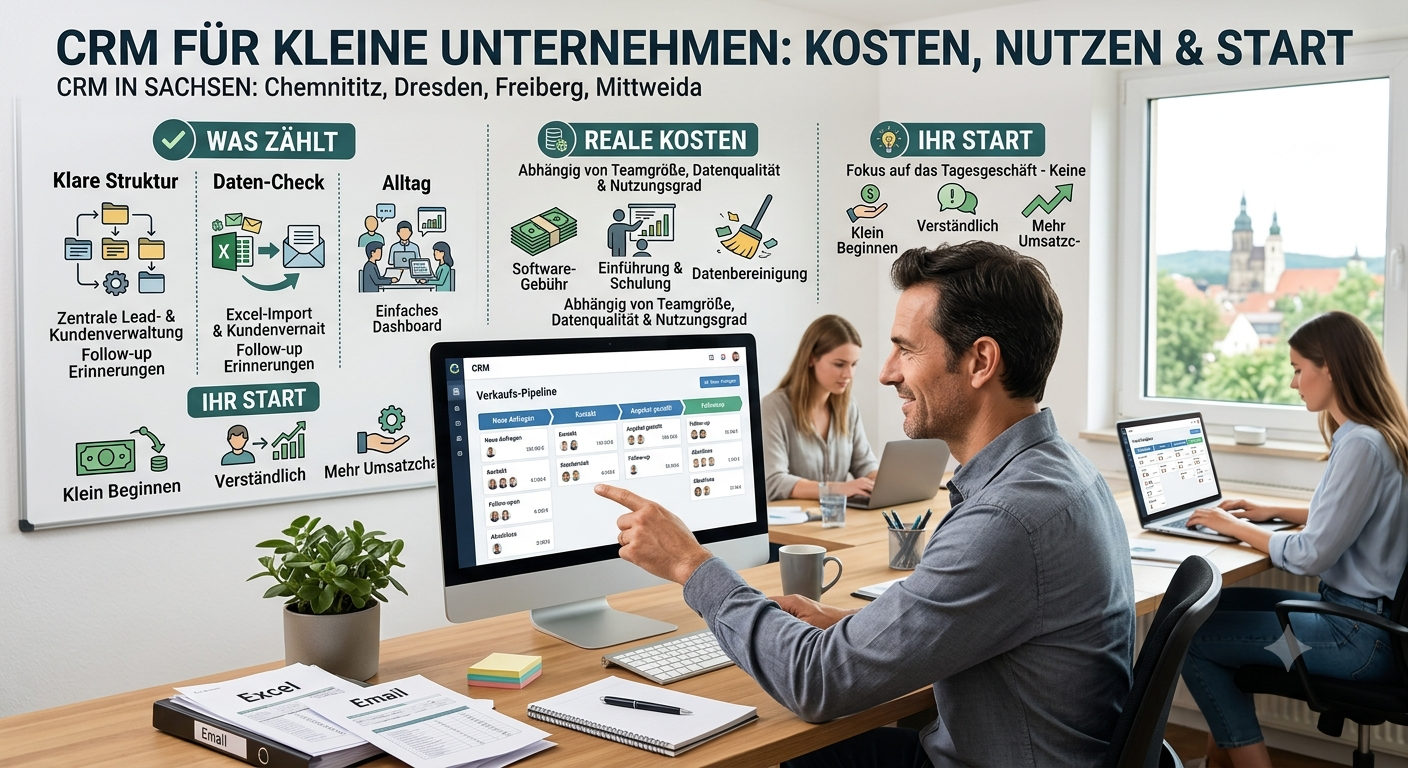
A simple CRM can cost far less than many owners expect, but the real question is not just software price. For a small business, total cost usually depends on how many people need access, how messy the current sales process is, whether spreadsheet data must be cleaned up, and how much setup and training is needed to make the system usable in daily work.
That is why two companies can both ask for a “simple CRM” and still face very different budgets. One may only need a clear place for leads, customers, offers, and follow-ups. Another may also need website enquiries connected, spreadsheet imports cleaned up, and a dashboard for owners. If you are still deciding whether a CRM is the right next step, start with our practical guide to starting simple with CRM.
What keeps cost lower
- A small team with one shared process
- A short sales cycle with few handovers
- Clean contact data from spreadsheets
- Only essential stages, tasks, and reminders
What usually increases cost
- Messy data spread across inboxes and files
- Different sales habits across team members
- Extra reporting needs for managers
- Website enquiry routing and more advanced workflows
What you are really paying for
1. Structure
A useful CRM needs a clear structure for leads and customers. That means defined statuses, pipeline stages, tasks, and ownership so everyone knows the next step.
2. Data cleanup
If your contacts live in several spreadsheets, email threads, and personal notes, part of the cost is turning that into one clean system.
3. Team adoption
A cheap CRM becomes expensive if nobody uses it. Training, onboarding, and a simple daily workflow matter more than long feature lists.
4. Practical setup
Small businesses often need a practical setup for leads, offers, follow-ups, and visibility for owners rather than a large custom system.
Where small businesses overspend
Most overspending does not come from buying a CRM. It usually comes from choosing more CRM than the business actually needs at the start. Owners often pay for complexity before they have a stable process. That can lead to bloated pipelines, fields nobody updates, and dashboards that look impressive but do not help the team follow up faster.
A better approach: start with the basics that directly support sales work: one place for leads and customers, a clear pipeline, reminders for follow-ups, better control over offers, and a simple dashboard for owners.
If your team is still relying heavily on spreadsheets, our related article on when to replace Excel with a CRM can help you judge whether the timing is right. If your main issue is visibility across enquiries and offers, a simple lead pipeline for small businesses is often the first thing worth defining.
What a simple CRM should include first
For most small companies, the first version does not need everything. It needs the parts that reduce missed opportunities and daily confusion.
A central place for leads and customers
A clear sales pipeline overview
Follow-up reminders and task tracking
Better control over offers and customer status
Clean import from spreadsheets when needed
A simple dashboard for owners and teams
That is also the logic behind our Simple CRM for Small Businesses service: keep the system understandable, useful, and tied to real sales work instead of turning it into a software project.
A practical way to judge value
Instead of asking only “What does a CRM cost?”, ask what it costs to keep working without one. Missed callbacks, forgotten offers, duplicate contact lists, and unclear ownership often create hidden costs long before software does. A simple CRM is worth it when it helps your team respond faster, follow up more consistently, and see which opportunities are active right now.
- Are leads getting lost between email, calls, and spreadsheets?
- Do owners lack a clear view of open offers and next steps?
- Does the team rely on memory instead of reminders and tasks?
- Would one shared process save time every week?
If the answer is yes to several of these, the business case is usually stronger than the software question itself.
Next step: keep the CRM simple and useful
If you want a CRM that helps your team manage leads, customers, offers, and follow-ups without unnecessary complexity, the next step is to define the smallest setup that supports daily work.
Comments
0 published comments
No approved comments have been published yet.
Recommended Articles
Fresh insights from our blog

AI Automation for Small Businesses: What Is Actually Worth It?
Not every AI idea is worth the effort. This guide shows small businesses which workflows are worth automating first, how to judge readiness,...

CRM for Small Businesses: A Practical Guide to Starting Simple
A practical guide for owners and managers who want a simple CRM without turning sales into a software project. Learn when a CRM is worth it,...

Turn Your Website Into a Sales Machine: More Leads and Revenue
A practical guide for small businesses that want their website to do more than look good. Learn how clearer messaging, stronger trust, bette...

Medical Practice Website: Booking, Forms, Costs
A practical guide to building a medical practice website that helps patients book online, submit forms, and understand what affects cost.

Driver Tracking for Small Transport Companies: Features and Costs
A practical guide to driver tracking for small transport companies: what it does, what to look for, and how to think about cost and rollout.

Holiday Apartment Website with Booking System: What Owners Really Need
A practical guide for holiday apartment and serviced apartment owners who want a booking website that shows availability, builds trust and t...