


How to Build a Medical Practice Website

A practical guide for practices that want a website with online booking, clear forms, and trust-building pages that help patients take the next step.
Olymaris Team
Published on June 29, 2026
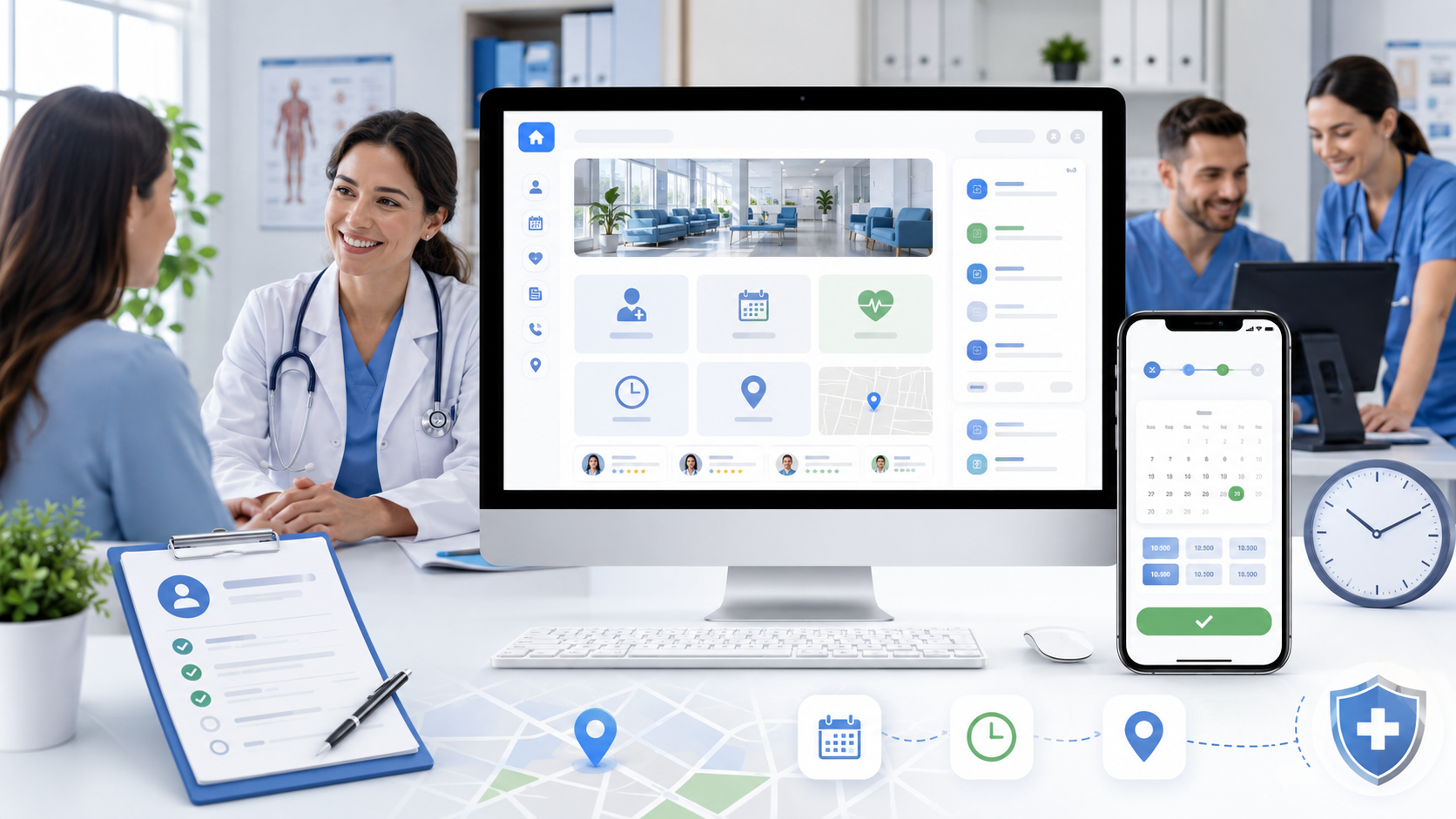
How to have a medical practice website built without creating extra admin work
If you are planning a new practice website, the goal is usually simple: help patients find the right information fast, make booking easier, and reduce repetitive calls to the front desk. A good site should support the way your team already works, not add more steps.
That is why the best projects start with patient questions, not design trends. What do people need before they call? Which services should be easy to understand? Where can a form or booking request save time for both sides?
Start with the patient journey
For small practices and growing clinics, the website should answer the most common questions in a few clicks. That usually means clear service pages, visible opening hours, contact details, and a simple path to request an appointment. When patients can understand the next step quickly, they are more likely to contact you with confidence.
This is also where a Medical Practice Website with Online Booking becomes useful. It gives you a structure that supports booking requests, digital forms, and practical information in one place.
Online booking or request flow
Let patients request an appointment online, even if the final confirmation still happens manually. That can reduce phone pressure and help your team handle peak times more calmly.
Digital forms before the visit
Pre-visit forms can collect basic details in advance, which saves time at reception and helps staff prepare for the appointment.
Service pages that explain value
Patients often compare practices quickly. Clear pages for treatments, specialties, and services help them understand what you offer and why it matters.
What business owners should ask before they start
- Which tasks should the website handle before a patient calls?
- Which pages need to build trust quickly for first-time visitors?
- What information should be easy to update later without technical help?
- How will the site support local search and mobile visitors?
These questions keep the project focused on business outcomes. A practice website is not just a brochure; it is part of your daily operations and your first impression.
Trust signals matter more than fancy features
Patients want to know who they are contacting. Team profiles, practice photos, opening hours, FAQs, and a clear contact section can do more for conversion than complex animations. For managers, that means the website should make the practice feel reliable, organized, and easy to approach.
If you are comparing options, the broader planning view in Medical Practice Website: Booking, Forms, Costs is useful for understanding how booking, forms, and budget decisions fit together.
Good for small teams
A simple structure can save time every week by answering routine questions before they reach the phone.
Good for growing practices
As your services expand, the site can grow with clearer pages, better navigation, and more useful patient flows.
A simple structure that works
1. Home page
Show who you help, what you offer, and how patients can take the next step.
2. Service pages
Explain treatments and specialties in plain language.
3. Contact and booking
Make it easy to request an appointment or ask a question.
Next step for your practice
If your current site feels outdated, hard to update, or too focused on design instead of patient needs, a new build can be a practical business decision. The right setup can improve clarity, reduce friction, and make your practice easier to contact.
Comments
0 published comments
No approved comments have been published yet.
Recommended Articles
Fresh insights from our blog

AI Automation for Small Businesses: What Is Actually Worth It?
Not every AI idea is worth the effort. This guide shows small businesses which workflows are worth automating first, how to judge readiness,...

CRM for Small Businesses: A Practical Guide to Starting Simple
A practical guide for owners and managers who want a simple CRM without turning sales into a software project. Learn when a CRM is worth it,...

Turn Your Website Into a Sales Machine: More Leads and Revenue
A practical guide for small businesses that want their website to do more than look good. Learn how clearer messaging, stronger trust, bette...

Medical Practice Website: Booking, Forms, Costs
A practical guide to building a medical practice website that helps patients book online, submit forms, and understand what affects cost.

Driver Tracking for Small Transport Companies: Features and Costs
A practical guide to driver tracking for small transport companies: what it does, what to look for, and how to think about cost and rollout.

Holiday Apartment Website with Booking System: What Owners Really Need
A practical guide for holiday apartment and serviced apartment owners who want a booking website that shows availability, builds trust and t...