


Live Tracking for Drivers: What Teams Need

See how live driver tracking helps transport teams reduce calls, react faster to delays, and keep customers informed without adding complexity.
Olymaris Team
Published on June 22, 2026
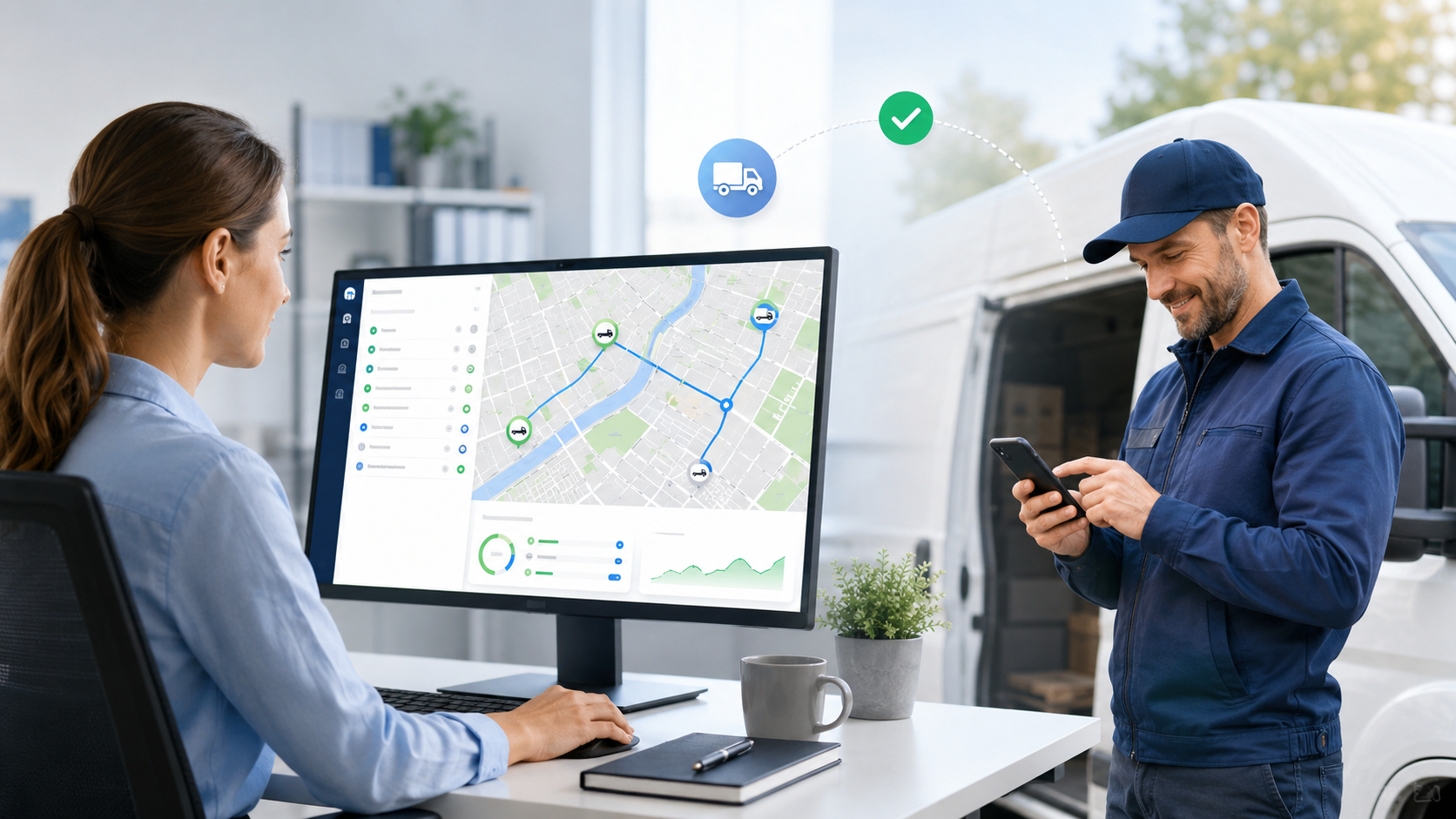
Live tracking for drivers helps the office act sooner
For small transport companies, live tracking is less about watching a map and more about making better daily decisions. When the office can see where drivers are and what status they are in, it becomes easier to answer customer questions, handle delays, and plan the next stop without guessing.
That is why a Driver Tracking App for Transport Companies can be useful even for lean teams. It gives managers a simple way to reduce follow-up calls, keep route updates in one place, and make delivery work easier to coordinate.
What live tracking should show in practice
A useful setup does not need to be complicated. The most valuable view is usually the one that helps dispatch and office staff understand the current situation quickly.
Current location
See where a driver is now so the team can answer “where are they?” without calling first.
Simple status
Use clear states such as on route, break, traffic, or completed to avoid long explanations.
Shared visibility
Give office staff or customers a tracking link when it helps reduce back-and-forth.
Why this matters for managers
The business value is straightforward: fewer interruptions, faster decisions, and better control over the day. Instead of collecting updates from several people, one shared view can show what is happening and what needs attention next.
- Dispatch can react faster when traffic or delays change the plan.
- Customer service can give more realistic delivery updates.
- Managers can see whether work is moving or stuck.
- Drivers spend less time answering repeated status questions.
How to roll it out without creating friction
The best rollout is usually the simplest one. Start with the information the team already asks for every day, then add only the features that save time or reduce mistakes.
Step 1: define the daily questions
List the questions your office asks most often, such as location, delay, arrival time, or completion.
Step 2: keep the driver view simple
A driver should be able to update status quickly from a phone or PWA without extra training.
Step 3: connect it to planning
Use the live view to support route planning, not to add another dashboard nobody checks.
Step 4: review what saves time
After launch, check which updates reduced calls and which ones still need improvement.
How this article fits with the broader guide
If you want the wider decision view, the main guide on Driver Tracking for Small Transport Companies: Features and Costs explains the bigger feature and budget picture. This page stays narrower and focuses on the day-to-day value of live tracking for drivers.
For teams comparing rollout options, the related article What Does a Driver Tracking App Cost? is a useful next read. If customer updates are the main pain point, How to Inform Customers About Delivery Status shows how tracking supports clearer communication.
Next step
If your team wants fewer calls, clearer status updates, and better control over daily transport work, a simple live tracking setup is a practical place to start.
Comments
0 published comments
No approved comments have been published yet.
Recommended Articles
Fresh insights from our blog

AI Automation for Small Businesses: What Is Actually Worth It?
Not every AI idea is worth the effort. This guide shows small businesses which workflows are worth automating first, how to judge readiness,...

CRM for Small Businesses: A Practical Guide to Starting Simple
A practical guide for owners and managers who want a simple CRM without turning sales into a software project. Learn when a CRM is worth it,...

Turn Your Website Into a Sales Machine: More Leads and Revenue
A practical guide for small businesses that want their website to do more than look good. Learn how clearer messaging, stronger trust, bette...

Medical Practice Website: Booking, Forms, Costs
A practical guide to building a medical practice website that helps patients book online, submit forms, and understand what affects cost.

Driver Tracking for Small Transport Companies: Features and Costs
A practical guide to driver tracking for small transport companies: what it does, what to look for, and how to think about cost and rollout.

Holiday Apartment Website with Booking System: What Owners Really Need
A practical guide for holiday apartment and serviced apartment owners who want a booking website that shows availability, builds trust and t...