


What Does a Booking System for Courses and Events Cost?

A practical cost guide for small teams planning online bookings for courses and events, with the main price drivers and what to budget for.
Olymaris Team
Published on June 5, 2026
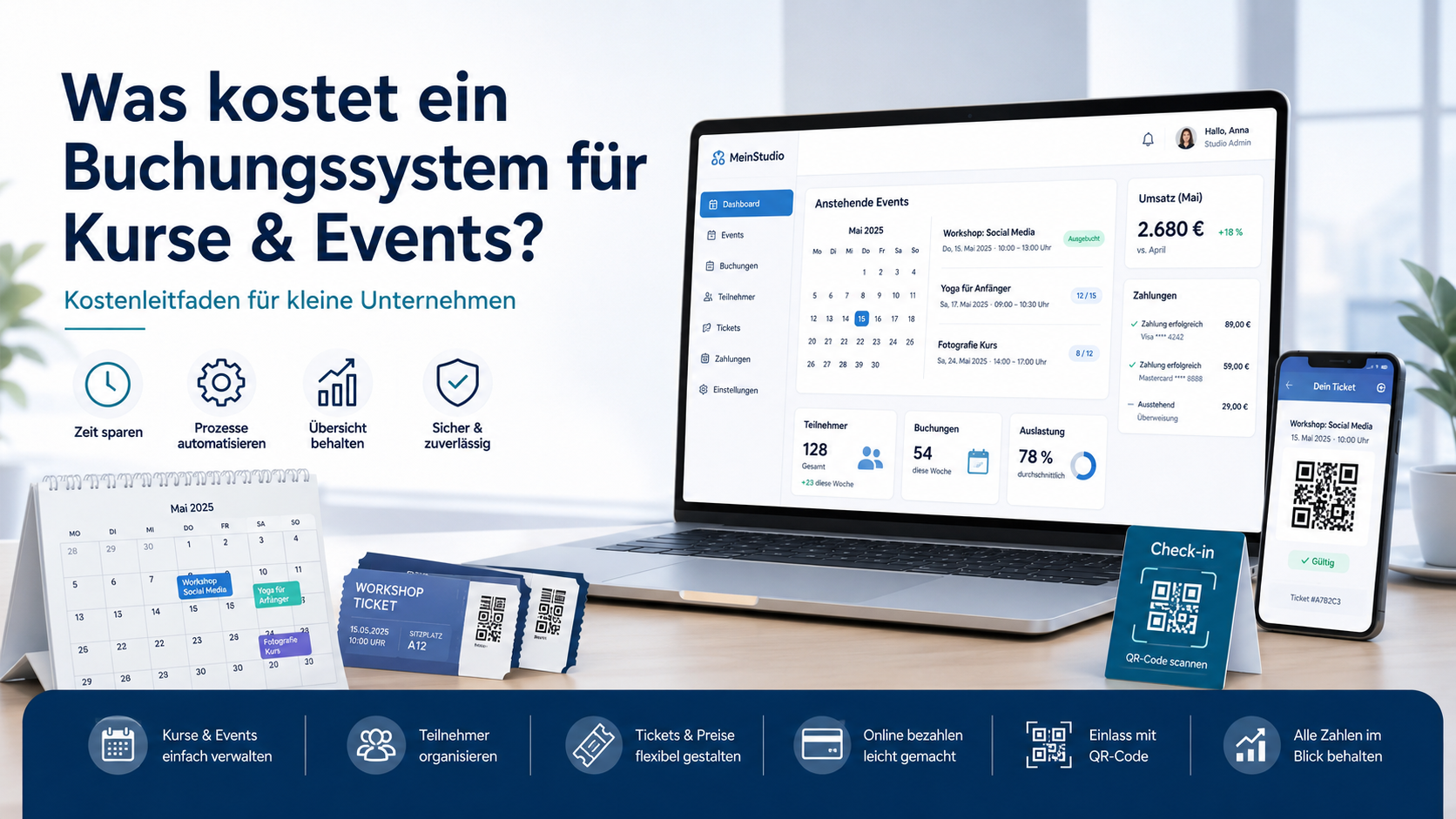
Cost guide for small teams
What does a booking system for courses and events cost?
If you run workshops, classes, or paid events, the real question is not only the price tag. It is whether the system saves time, reduces manual admin, and helps you sell more seats without adding more work for your team.
For an event website with your own ticket shop, the cost depends on scope: how many event types you sell, whether you need online payment, digital tickets, attendee management, QR check-in, and an admin area for your team. A simple setup is cheaper than a system that needs custom workflows and more detailed reporting.
Typical cost drivers
- Number of event pages or course types
- Online payment setup and booking flow
- Ticket delivery and email confirmations
- Capacity management and attendee lists
- QR code check-in and admin reporting
What the budget should reflect
A booking system is not just a website feature. It is a sales process. The budget should reflect how much manual work you want to remove and how much control you want over bookings, payments, and attendee data.
Why the price varies so much
Two businesses can ask for a booking system and end up with very different budgets. A yoga studio selling a few weekly classes needs a simpler setup than a training provider running multiple dates, seat limits, and different ticket types. The more the system has to do automatically, the more planning and build time it usually needs.
Simple booking flow
Best for a small number of events, basic forms, and straightforward confirmations.
Sales-ready ticket shop
Useful when you want online payment, digital tickets, and a clearer path from interest to purchase.
Operational admin system
Needed when your team wants attendee lists, capacity control, and faster event-day check-in.
What small businesses should budget for
If you are comparing options, look beyond the first build price. Ask what is included in the booking flow, how payments are handled, whether the system supports attendee management, and what happens when you need changes later. A lower upfront price can become expensive if the system still leaves your team doing manual work every week.
Practical rule: budget for the outcome, not just the feature list. If the system helps you sell more smoothly and reduces admin, it can be easier to justify than a cheaper tool that creates extra work.
For many small companies, the best decision is a focused system that covers the full booking journey: event page, payment, confirmation, attendee overview, and check-in. That keeps the experience simple for customers and manageable for your team.
How this connects to your event website
If your event website is meant to sell, the booking system should support the whole buying process instead of sitting beside it as a separate tool. That is why an own ticket shop is often the better long-term choice for businesses that want more control over sales, customer data, and event operations.
A good setup can also connect with payment handling and attendee management, so your team does not need to move data between tools. If you want a deeper look at the operational side, see our related article on event admin panels for bookings and attendees.
For teams that sell classes or workshops, the same logic applies: the system should help people book quickly, pay easily, and receive a clear confirmation without extra back-and-forth.
When a custom build makes sense
A custom booking system makes sense when your process is more than a simple contact form. If you need seat limits, multiple event types, digital tickets, or a team dashboard, a tailored solution can be easier to run than patching together several tools.
That is especially true when you want your website to do real business work: convert visitors, reduce admin, and give your team a clear overview of bookings. If that is your goal, the Event Website with Online Ticket Shop service is the most relevant next step.
Next step
If you are planning a booking system for courses or events, start with the business process first: what should be sold, who manages it, and what should be automated. That makes the budget clearer and the build more useful.
Comments
1 published comments
Margit
Ganz ehrlich: Klingt ein eigenes Buchungssystem für kleine Kurs- und Eventanbieter nicht schnell nach „mit Kanonen auf Excel-Spatzen schießen“? Wenn ich nur ein paar Workshops im Monat habe, warum sollte ich dafür extra Budget einplanen, statt weiter mit WhatsApp, Excel und ein bisschen Kaffee-Nervenstärke zu arbeiten?
Admin reply
Hallo Margit, Gute Frage und genau die richtige Skepsis. Ein Buchungssystem lohnt sich nicht, weil es „digitaler“ klingt, sondern weil es Arbeit übernimmt, die sonst jede Woche wieder auf dem Tisch landet. Wenn Sie nur zwei Anfragen im Monat bekommen, reicht WhatsApp wahrscheinlich völlig aus. Dann wäre ein großes System tatsächlich eher Luxus als Lösung. Sobald aber Termine, Zahlungen, freie Plätze, Stornos, Teilnehmerlisten und Rückfragen zusammenkommen, wird Excel plötzlich nicht mehr kostenlos es wird nur in Zeit, Fehlern und Nerven bezahlt. Der Punkt ist also nicht: „Jeder braucht sofort ein riesiges Buchungssystem.“ Der Punkt ist: Wer regelmäßig Kurse oder Events verkauft, braucht einen Ablauf, der nicht jedes Mal neu per Hand zusammengebastelt wird. Oder etwas direkter gesagt: Kaffee hilft gegen Müdigkeit, aber nicht gegen doppelt vergebene Plätze. Dafür ist ein sauberes Buchungssystem da.
Recommended Articles
Fresh insights from our blog

AI Automation for Small Businesses: What Is Actually Worth It?
Not every AI idea is worth the effort. This guide shows small businesses which workflows are worth automating first, how to judge readiness,...

CRM for Small Businesses: A Practical Guide to Starting Simple
A practical guide for owners and managers who want a simple CRM without turning sales into a software project. Learn when a CRM is worth it,...

Turn Your Website Into a Sales Machine: More Leads and Revenue
A practical guide for small businesses that want their website to do more than look good. Learn how clearer messaging, stronger trust, bette...

Medical Practice Website: Booking, Forms, Costs
A practical guide to building a medical practice website that helps patients book online, submit forms, and understand what affects cost.

Driver Tracking for Small Transport Companies: Features and Costs
A practical guide to driver tracking for small transport companies: what it does, what to look for, and how to think about cost and rollout.

Holiday Apartment Website with Booking System: What Owners Really Need
A practical guide for holiday apartment and serviced apartment owners who want a booking website that shows availability, builds trust and t...